Plans — only for service providers
Start free. Send digital quotations from day one.
KaroSmart Trial lets electricians, plumbers, contractors and skilled pros create quotations, invoices and receipts on the phone — no paper notebook.
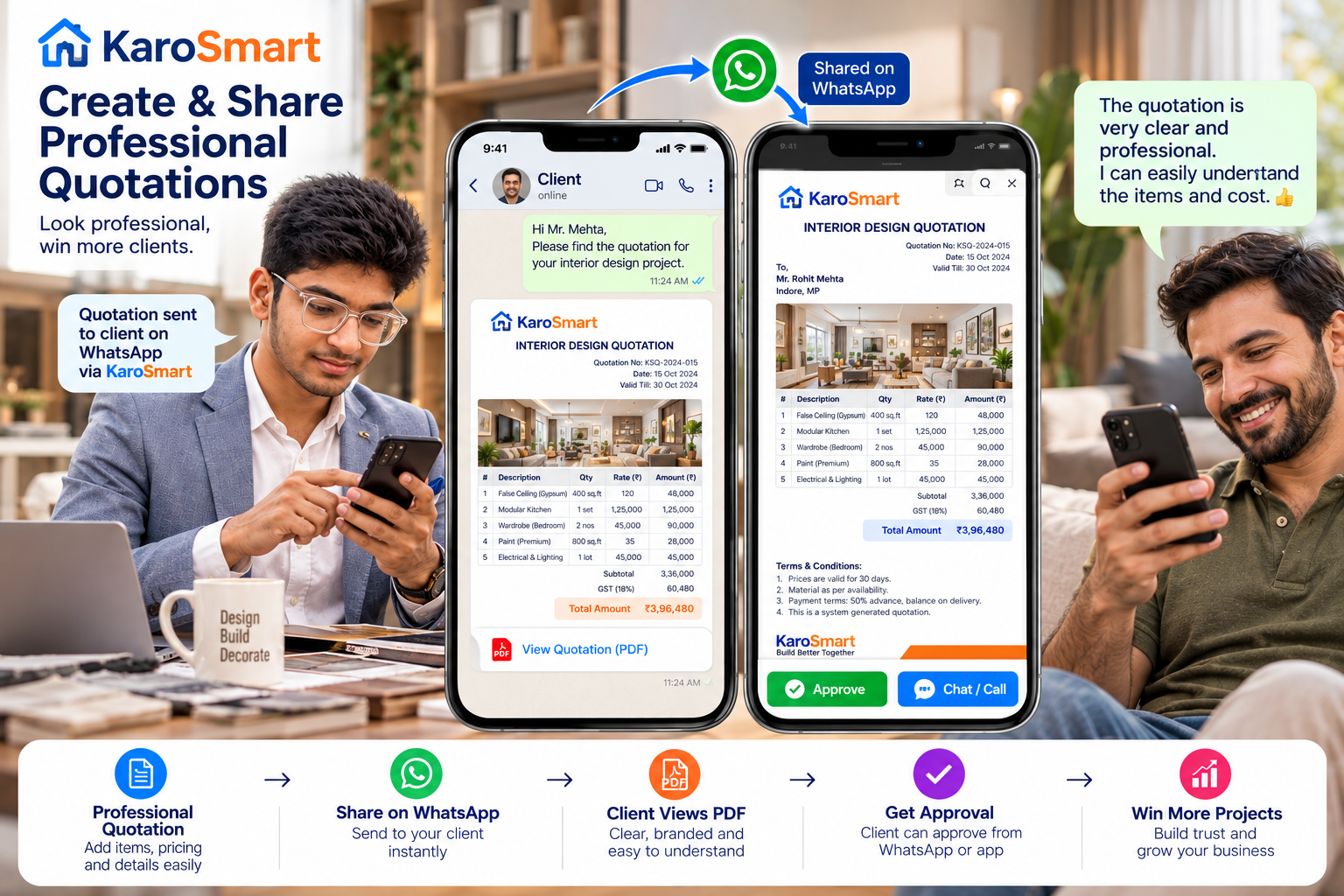
- Create & share PDF quotations on WhatsApp
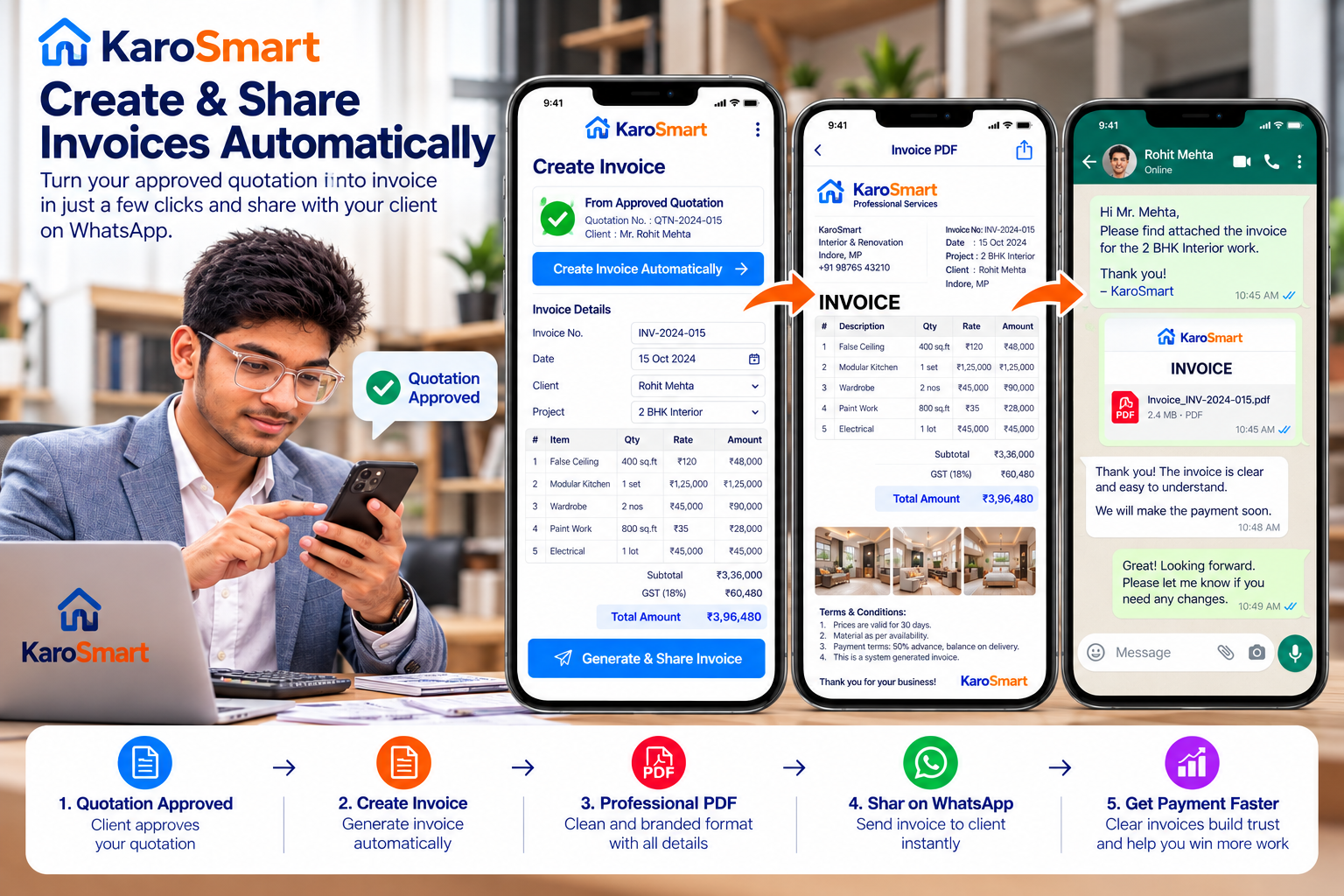
- Turn approval into invoice & receipt
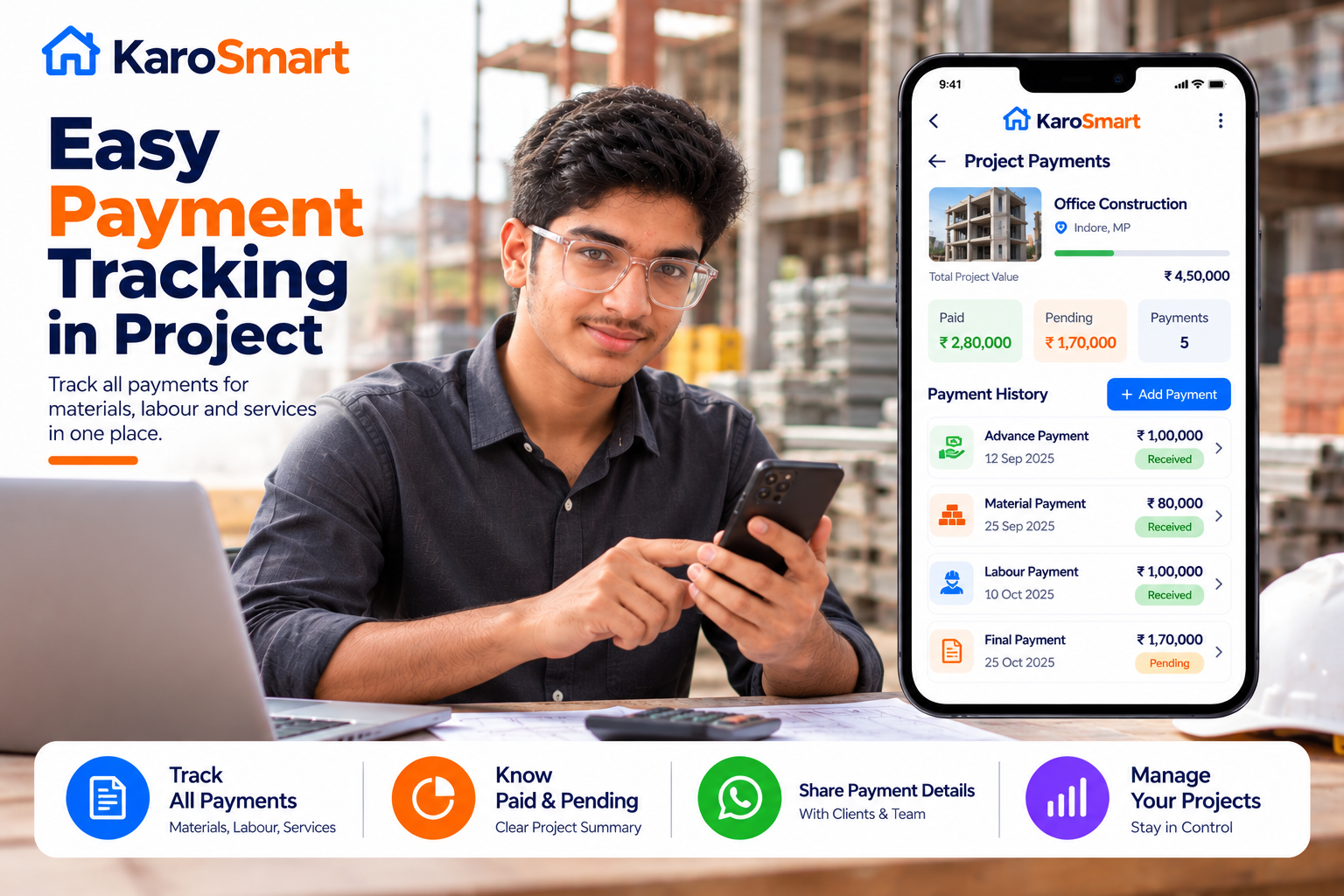
- Clients, projects, team — one phone app
Get it on Google Play

Customers are free always — find professionals, approve quotes, track work. No plan. No payment.
Free Trial
₹0 · 30 days
plan_code: trial
Plans
Trial
Only for service providers
Begin with Trial. Full plan list, paid upgrades and live limits are inside the app.

Free to start
No card needed to start. Install, register, and send your first professional quotation today.
plan_code: trial
- Up to 15 customers
- Up to 2 projects per customer
- Create & share PDF quotations on WhatsApp
- Turn approval into invoice & receipt
Want every plan and limit? Install the KaroSmart app — details live there.
Create Quote
What you get in the app
Clear digital quotes, WhatsApp share, invoices and payment tracking — built for field professionals.

How to start in 3 steps
- 1Install KaroSmart from Google Play.
- 2Sign in with your mobile number.
- 3Open Plans / Subscription for full details and upgrades.
Paid upgrades (when you choose them) use Razorpay inside the KaroSmart app.
Free Trial
Ready to look professional on WhatsApp?
Install KaroSmart. Start your free Trial. See more plans inside the app.
Get it on Google Play

Live plans and limits always show in the app. This page highlights Trial (plan_code: trial) for service providers.
Questions before you install? Contact