
How to use KaroSmart
Download app and start work fast
Simple steps for registration, quotation workflow, and team management in one place.
Download app

• Get started
- 1
Download App
Install the app from Play Store.
- 2
Register Yourself
Sign up using your mobile number.
- 3
Select Business Type
Choose Contractor or Professional.
- 4
Fill Business Details
Fill basic details and save.
- 5
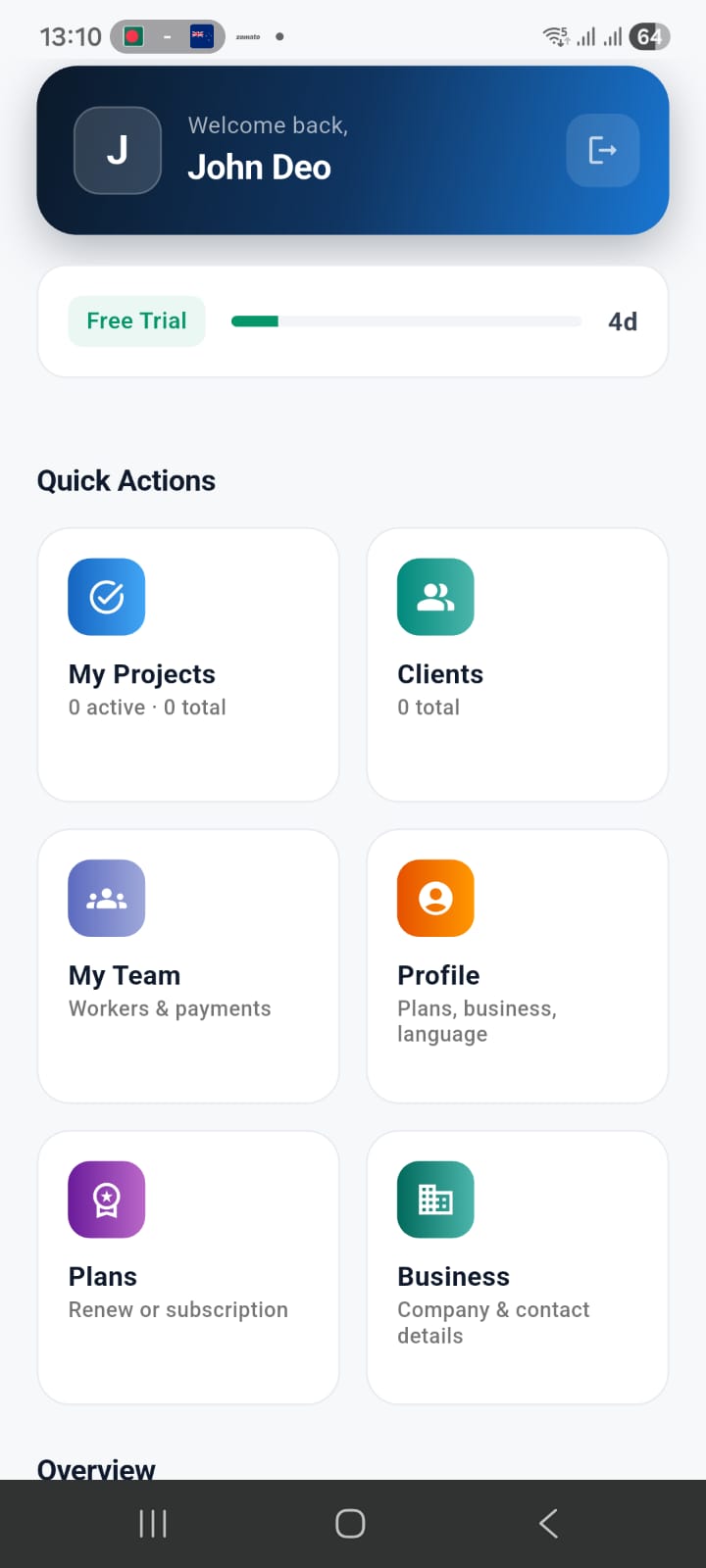
Enter App Dashboard
You are ready to use the app.
• Quotation workflow
- 1
Create Client
Add a new client.
- 2
Create Project
Create project inside the client.
- 3
Add Problem + Price
Fill details by manual input or voice input.
- 4
Preview Quotation
Review before sharing.
- 5
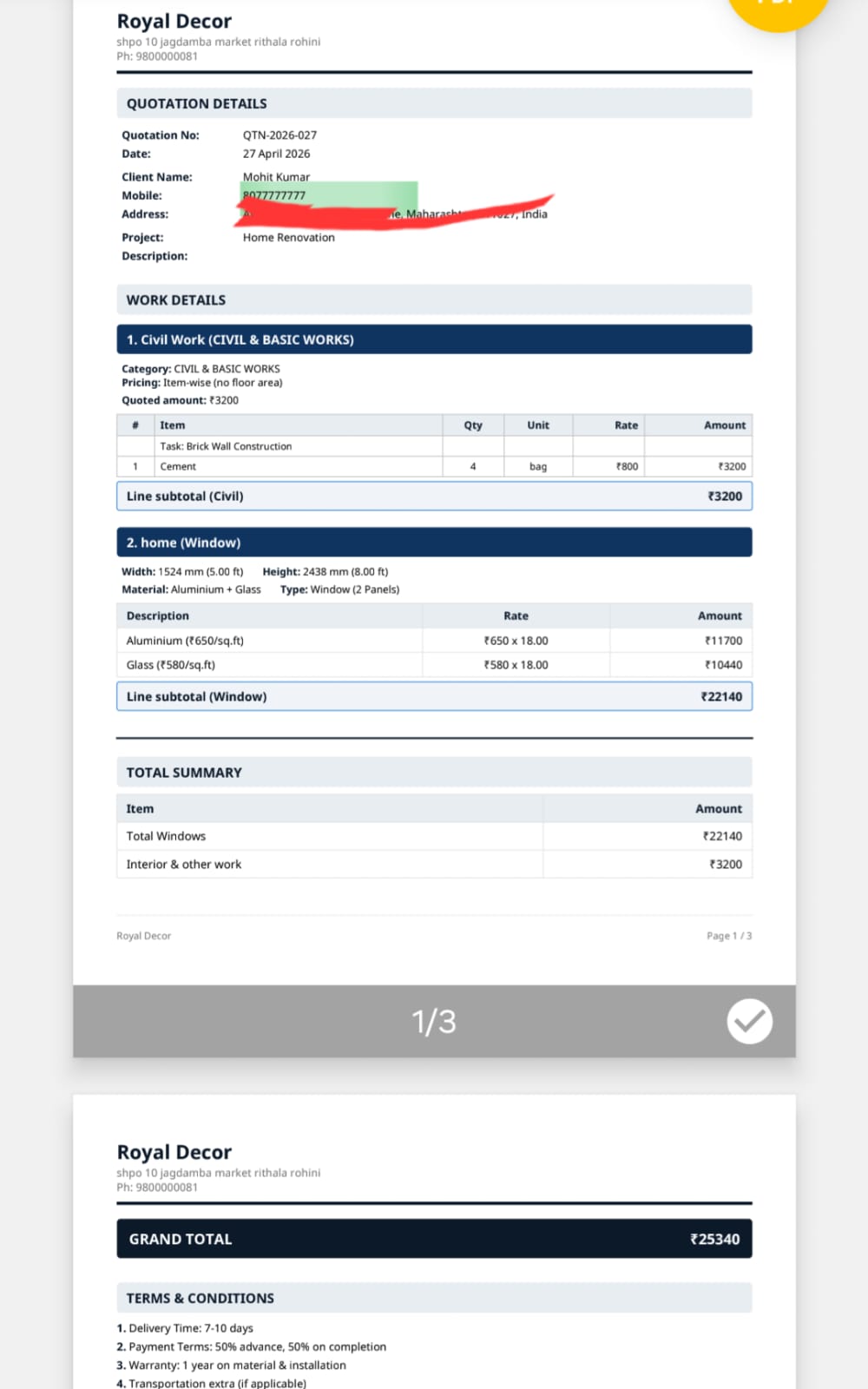
Generate Quotation
Create a professional quotation.
- 6
Share Quotation
Share on WhatsApp or as PDF.
- 7
Approve Quotation
Track client approval.
- 8
Assign Team / Professionals
Assign the right person to work.
• Manage team and projects
- 1
Import Contacts
Manage contacts work-type wise.
- 2
Search Nearby Professionals
Find professionals near your area.
- 3
Invite with Notifications
Search, send connect invites, and get updates.
- 4
Call from App
Call directly from the app.
- 5
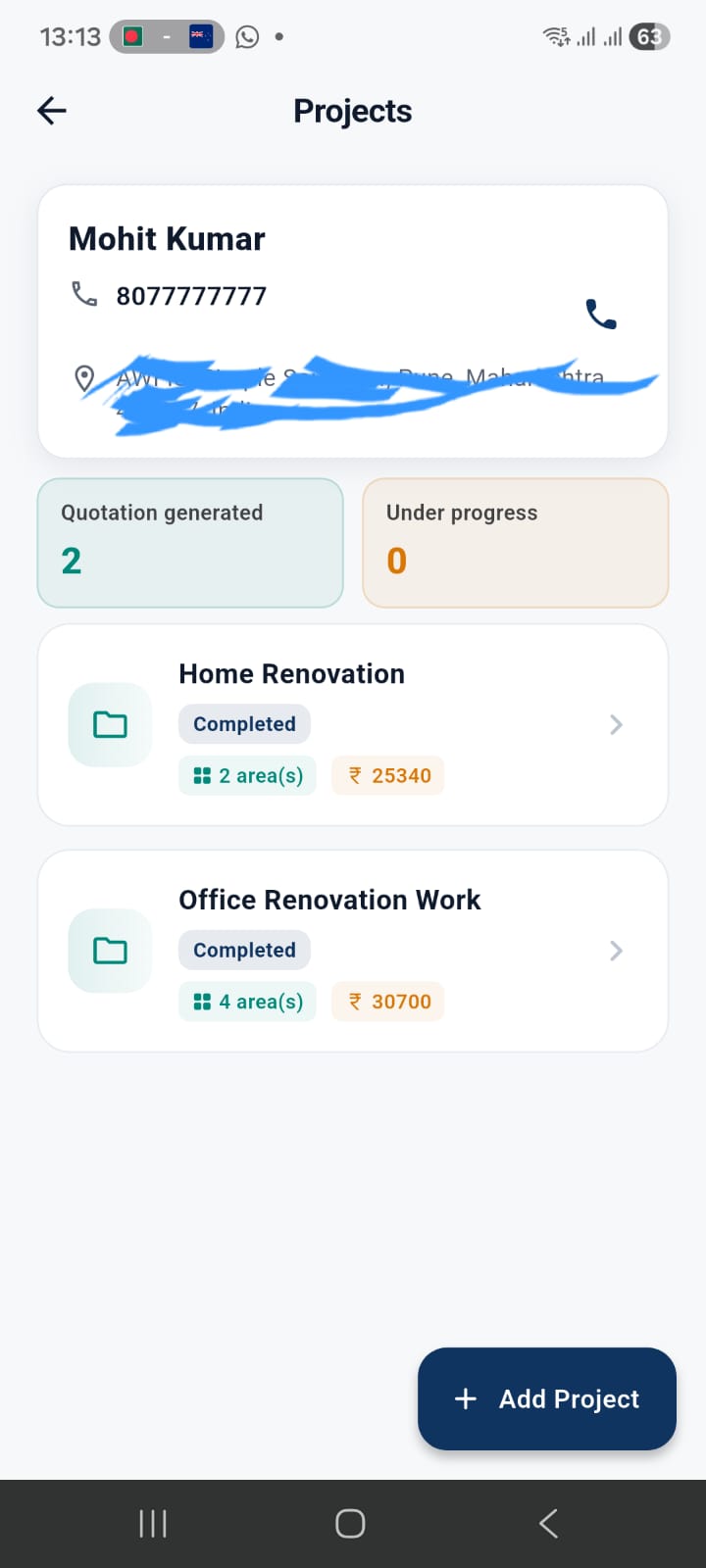
All Clients in One Place
Keep every client detail ready.
- 6
All Projects in One Place
Track all projects easily.
- 7
Running/Completed Status
Check project status anytime.
• Manage your project income and expenditure
- 1
Open project finance / ledger
From the project, go to the finance or money section for that site.
- 2
Record client payments received
Log each receipt with amount, mode (UPI, cash, bank), and reference if you have it.
- 3
Log expenses and worker payouts
Add material or other spends, and payments to assigned electricians, plumbers, or helpers — linked to the same project.
- 4
Review what is in and out
Use the overview to see running totals so you can answer clients and your team without guessing.
Visual guide (image-based)
Users who face reading difficulty can understand the full flow using images.
Ready to start?
Download the app and complete onboarding in around 5 minutes.
Download KaroSmart App
